Your cart is empty.

- Quick View
- Choose Options
AP_Peripheral · CAN Converter · RM3100 · DSP310 — The Ultimate CAN Sensor Hub for UAV Systems.
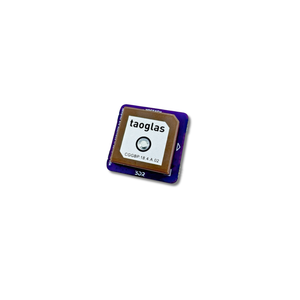
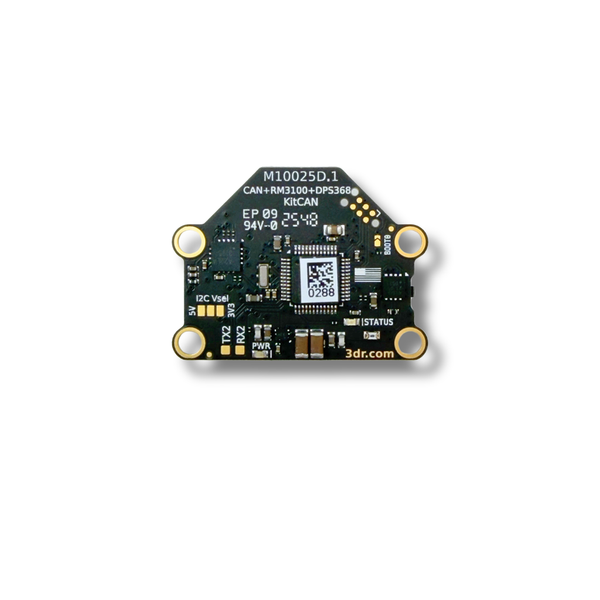
View Full DocumentationThe KitCAN is a powerful kit of features and firmware via CAN that tackles most robotic applications. With just 4 wires (CAN), you get clean access to the most powerful magnetometer available today, the best barometric pressure sensor we've ever used, GPS+I²C ports supporting all legacy uBlox GPS sensors, and firmware that supports our Airspeed Sensor via I²C. It also includes an RGB LED and Arm Switch/Button.
The idea is to allow the system integrator to mount all sensors as far as possible — typically at the front of the fuselage or tip of the wing — and run a single CAN cable back to the autopilot for a clean, robust setup.
The most powerful magnetometer available today — delivers exceptional compass accuracy and interference rejection for demanding UAV applications.
The best barometric pressure sensor we've ever used — provides highly accurate altitude data for reliable flight performance.
Full support for all legacy uBlox GPS sensors via GPS and I²C ports — no adapters needed for existing setups.
Firmware supports our I²C Airspeed Sensor (MS4525DO) via the I²C port — all in one clean CAN connection.
Integrated RGB LED for visual status indication and an Arm Switch/Button for convenient arming control.
Mount all sensors remotely and run just one CAN cable to your autopilot — clean, minimal wiring for professional integrations.
| Architecture | AP_Peripheral CAN Converter |
|---|---|
| Protocol | DroneCAN (UAVCAN) |
| Magnetometer | RM3100 |
| Barometer | DSP310 |
| GPS Support | All legacy uBlox GPS sensors |
| Revision | M10025D |
| Hole Spacing (C to C) | 14 mm × 31.5 mm |
|---|---|
| Hole Diameter | 3.2 mm |
| Connector (CAN) | 4-pin JST-GH |
| Connector (GPS/I²C) | 6-pin JST-GH |
| Compatibility | ArduPilot, PX4 |
| Country of Origin | USA |
Make sure you are using the latest version of Mission Planner with the following firmware versions or newer:
If your controller has more than 3 internal compasses, disable the least important one.
On the autopilot parameters via Mission Planner set:
Then access KitCAN CAN parameters via:
Mission Planner → Initial Setup → Optional Hardware → UAVCAN → SLCan Mode CAN1 (or 2) → Parameters
Wait ~1 minute, then set:
If a longer cable is required, you can purchase the MRC0220 4-PIN JST-GH to 4-PIN JST-GH cable in 300 mm or 600 mm lengths.
| SKU | M10025D | ECCN | EAR99 |
| Country of Origin | USA | Current Revision | D |